

YOUR CENTER FOR PROTECH ADAS SERVICE INFORMATION AND MORE
Resources

Welcome to the Resource Center—your centralized hub for ADAS calibration news, trends, FAQs and the user guide for the Protech Connected Solution Portal.
Diagnostics
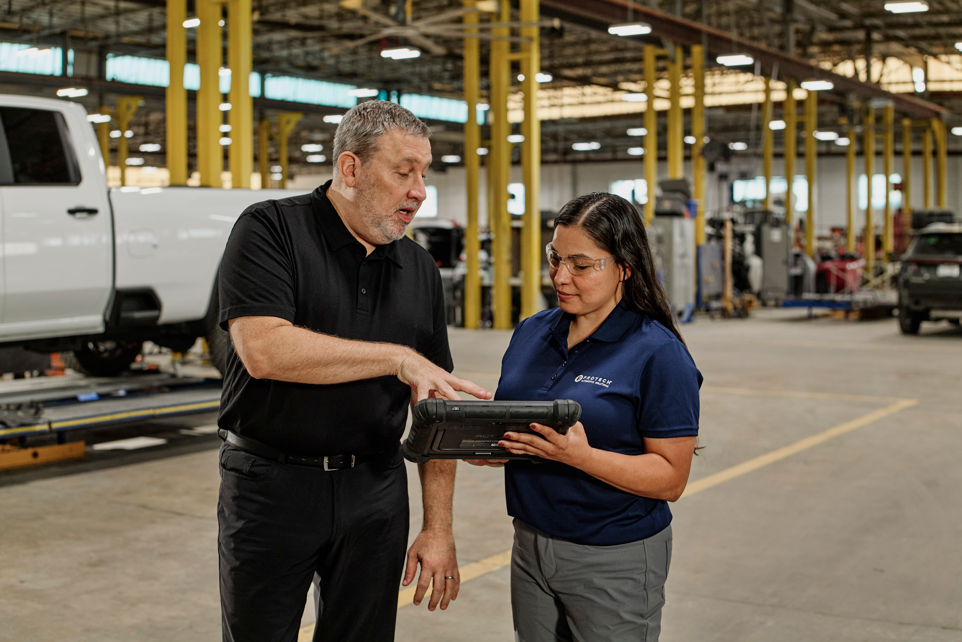
The true cost of ADAS: what repairers need to know
ADAS repairs are more complex than ever. Learn what's driving costs and how to protect your business. Access the full whitepaper.
Diagnostics
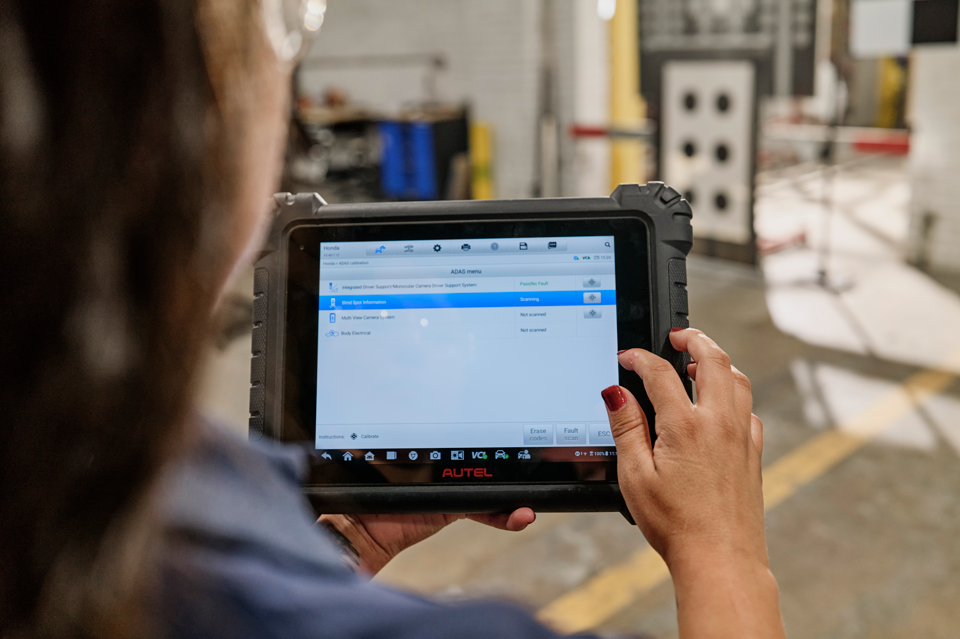
The true cost of ADAS equipment: The complete investment in customer safety
Discover the real investment behind ADAS calibration equipment – beyond purchase price. Learn how to protect drivers and maximize ROI for your collision shop.
Diagnostics
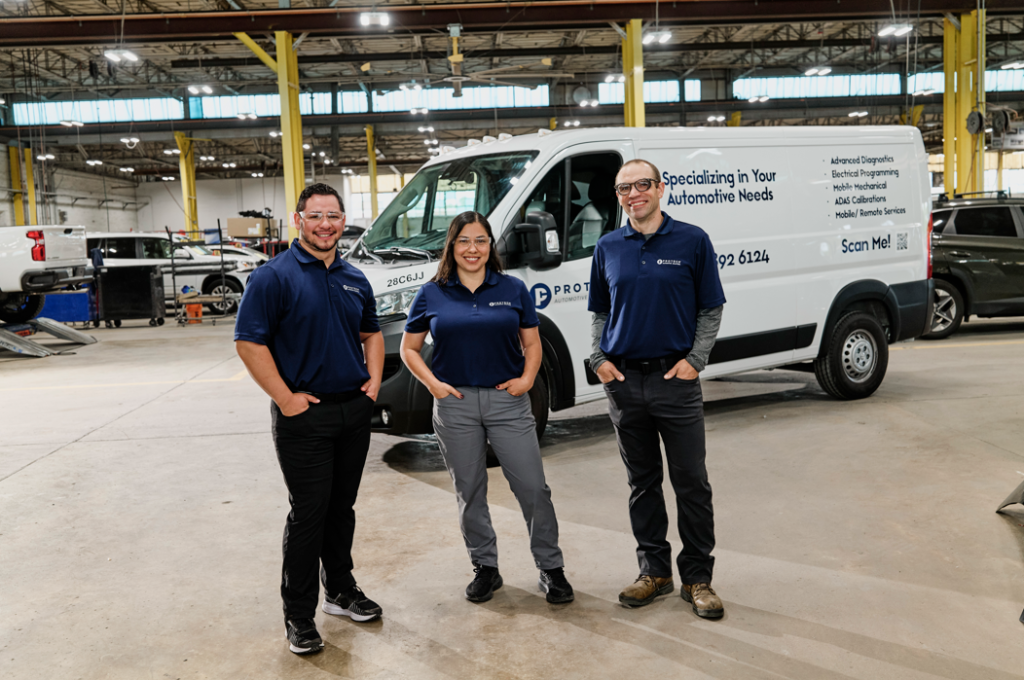
ADAS technician training: What every collision shop needs to know
ADAS calibration requires certified technicians. Learn what skills and tools are necessary to be an ADAS technician, and how independent body shops can ensure success.
Showing 17 of 17 results
Customer portal
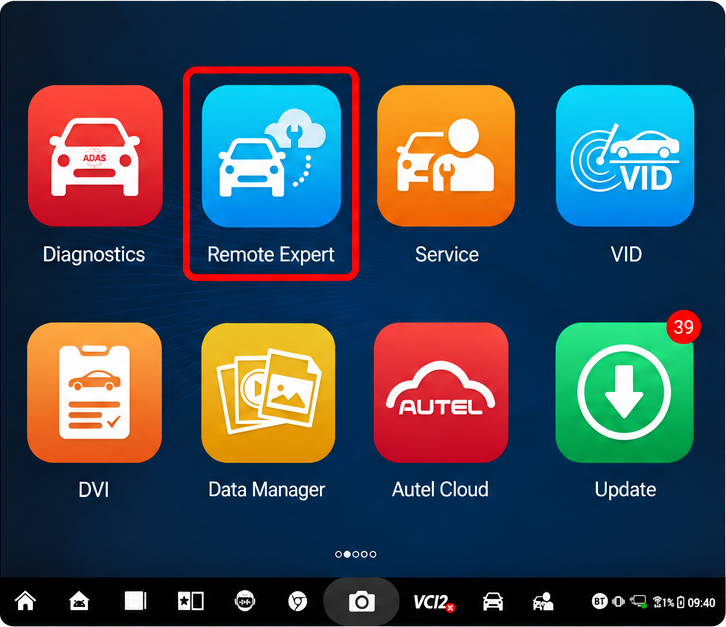
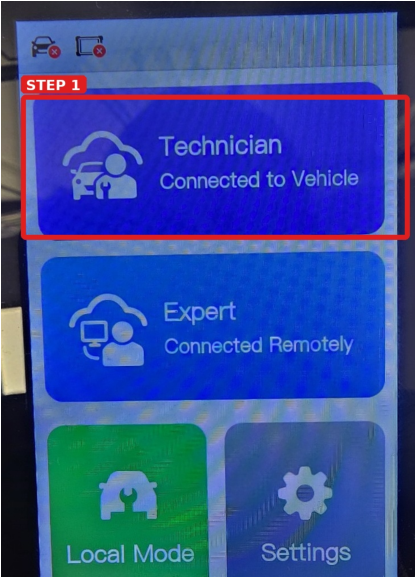
Request remote diagnostic services with an Autel tablet
Two steps on your Autel tablet get you an order code.
Customer portal
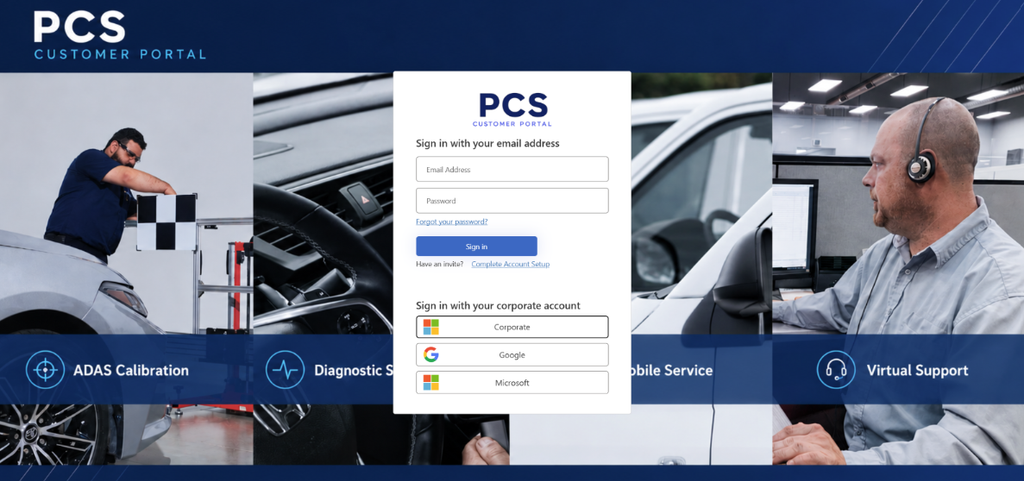
Request remote diagnostic services with X-Link
Three steps on your X-Link get you a 6-digit order code. Enter that code in the Protech customer portal to request your remote session.
Customer portal
Getting started
Welcome to Protech Connected Solutions Protech Connected Solutions (PCS) is our customer portal. A one-stop shop for requesting and scheduling services with the Protech team as well as view invoices…
Webcast
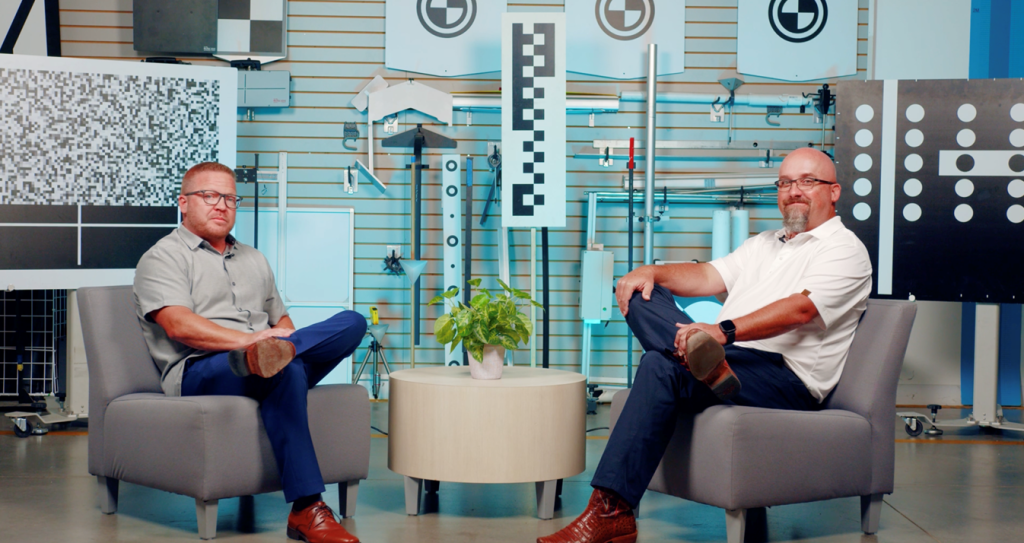
Protech PrecisionCast
Join Protech PrecisionCast to discuss the present and future of ADAS and how your business can stay ahead of the curve via webcasts, articles, videos, and more.
Customer portal
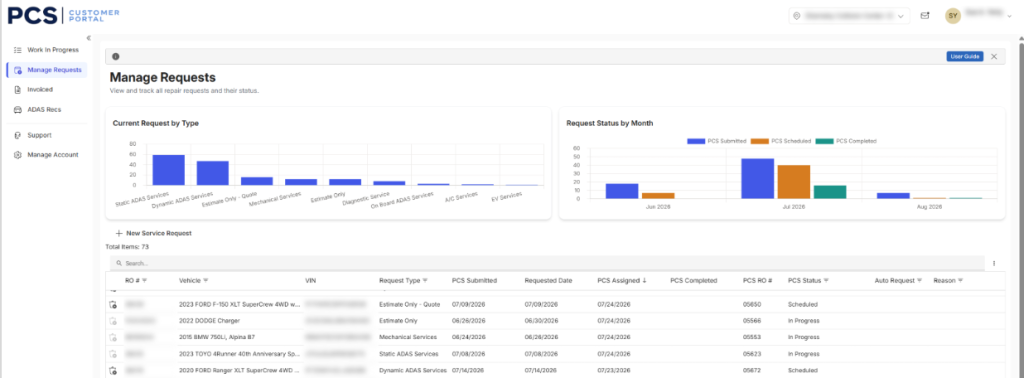
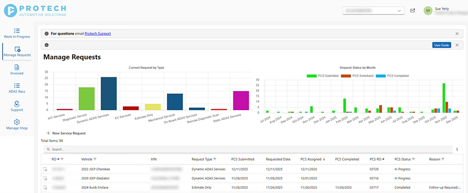
Manage requests
Within this screen, you will find all requests you have submitted. Additional column descriptions:
Customer portal
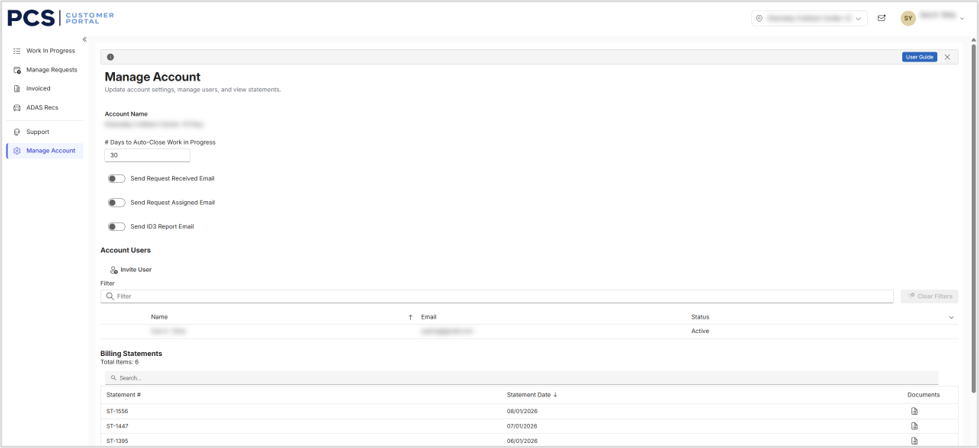
Manage account
The manage account tab also shows the following reporting: Manage Users on your account: Click on the user icon to open a window to update their account settings or remove…
Customer portal
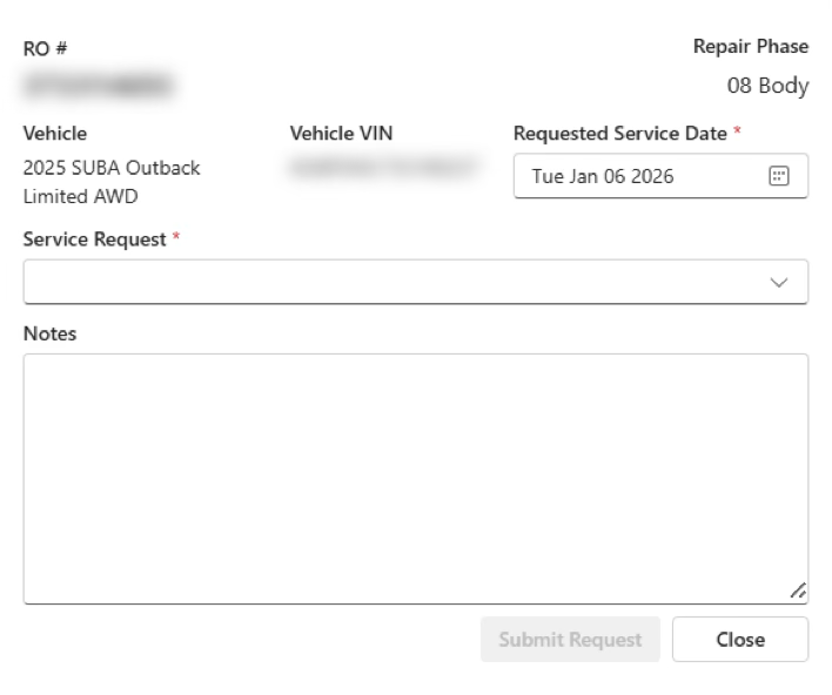
Request services: CCC user
Click on the “+”, located on the left side of the RO, to request a service from Protech, this will provide a pop-up screen to complete your request.
Customer portal
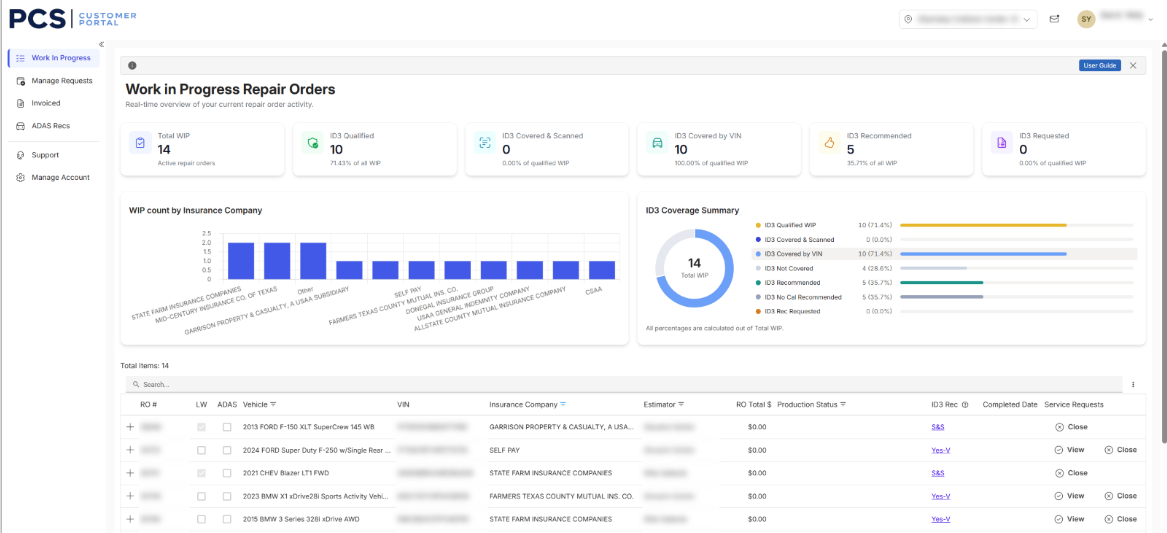
Work in progress
Within this screen, you will find your current Work in Progress. Information can be pushed from CCC One or manually added request, based on how your shop is configured. This information…
Customer portal
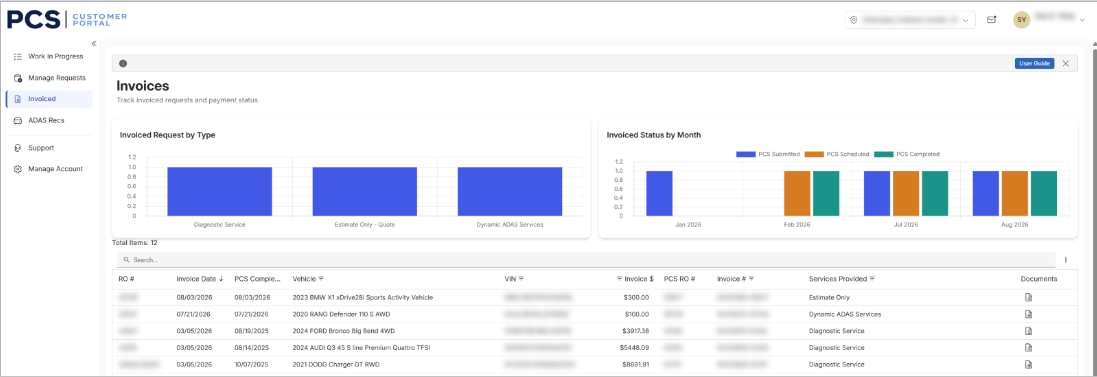
View invoices
Within this screen you can access all invoices for your completed requests. When inputting in an invoice number received from Protech into CCC One, please be sure to put the full…
Customer portal
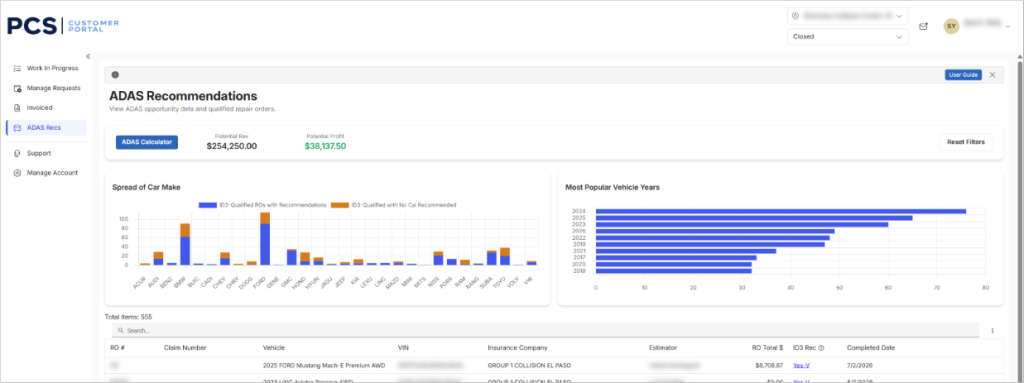
View ADAS recommendations
Within this screen you will find all ADAS Recommendations organized by the Order Type: Work In Progress, Opportunities or Closed. An ADAS Calculator is available to determine potential rev and…
Customer portal
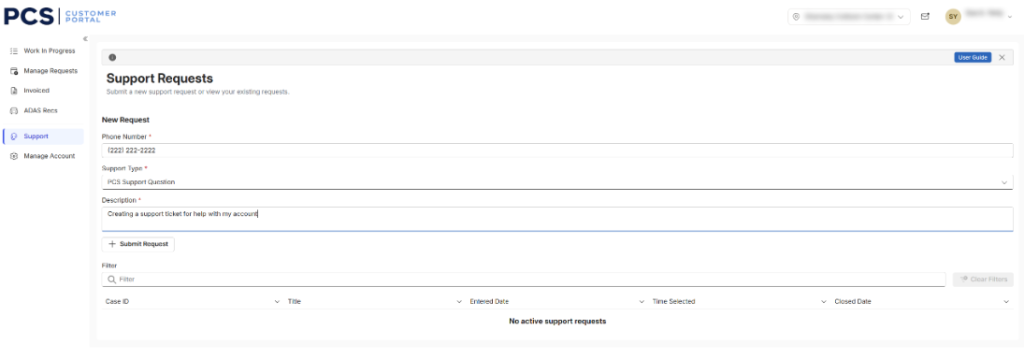
Submit a support request
Within this screen, the user can log a support request and/or view previously logged requests. 4. + Submit Request
Customer portal
Request services: non-CCC users
On the Manage Requests screen, click on “+ New Service Request”, located just above the list of requests on the left-hand side of the screen to request a service from…
Diagnostics
The true cost of ADAS: what repairers need to know
ADAS repairs are more complex than ever. Learn what's driving costs and how to protect your business. Access the full whitepaper.
Diagnostics
The true cost of ADAS equipment: The complete investment in customer safety
Discover the real investment behind ADAS calibration equipment – beyond purchase price. Learn how to protect drivers and maximize ROI for your collision shop.
Diagnostics
ADAS technician training: What every collision shop needs to know
ADAS calibration requires certified technicians. Learn what skills and tools are necessary to be an ADAS technician, and how independent body shops can ensure success.
Diagnostics
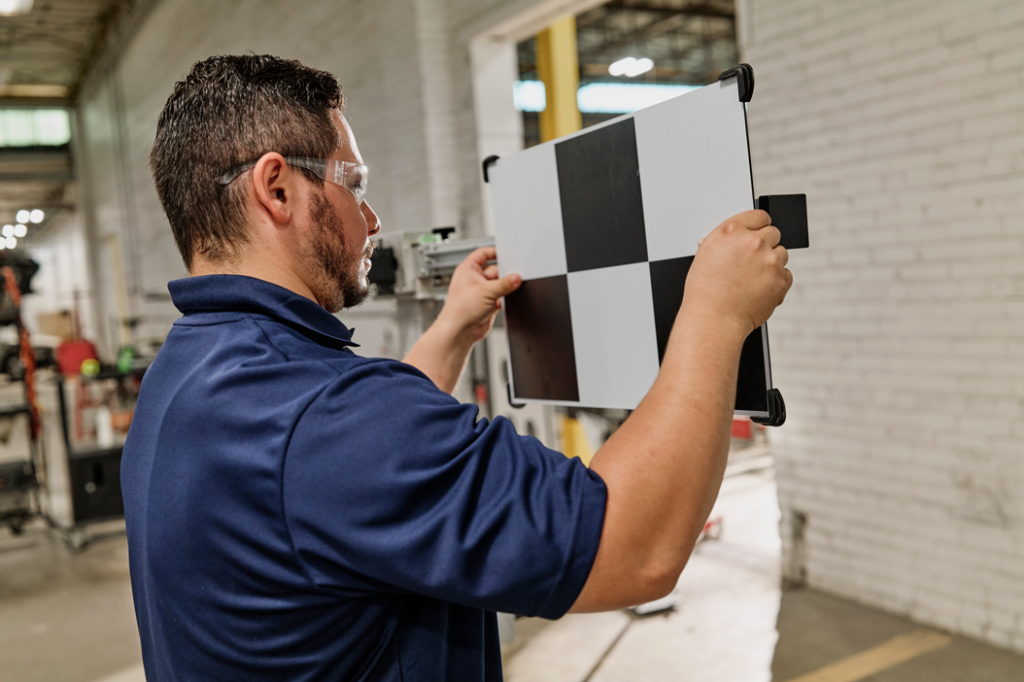
ADAS calibration space requirements: Maximize shop profitability
Learn the space and environmental requirements for safe ADAS calibration and how to avoid costly revenue loss in your collision repair shop.
Industry
The importance of ADAS calibrations featured on Advancements with Ted Danson
Explore innovations in vehicle safety–with insights from Protech leadership–on the latest episode of Advancements with Ted Danson.
No resources match this filter.