
Within this screen you can access all invoices for your completed requests.
When inputting in an invoice number received from Protech into CCC One, please be sure to put the full invoice number, including the INV (EX: INV – 1234 – 56789). This will ensure that we can match invoices across lines of business properly.
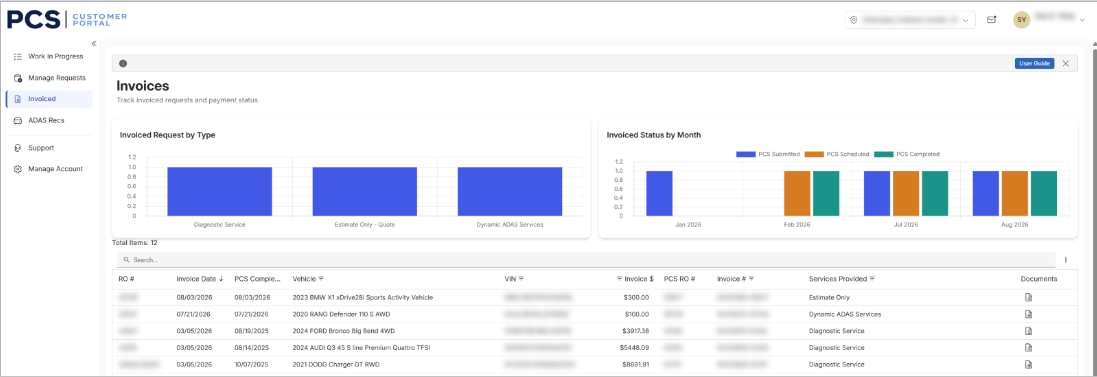
The invoiced tab also shows the following reporting:
- Invoiced Request by Type: Shows you visually how many requests have been completed per service type.
- Invoiced Status by Month: Shows you visually how many requests have been completed.